Confirm the new demand
Open the intended imported iteration and inspect the changed quantity, project quantity and part identity. Confirm whether the change affects the same part or introduces a different component.
Project buyers · Engineering leads · Production planners
An engineering change arrives after the first order. Bring the revised requirement and the purchasing context into the same review before asking a supplier for more material.
The revised total is not necessarily the quantity to order. Some demand may already be covered, and a change can affect both open purchasing work and release decisions. The team needs the current BOM iteration and the recorded purchasing history to understand the next action.
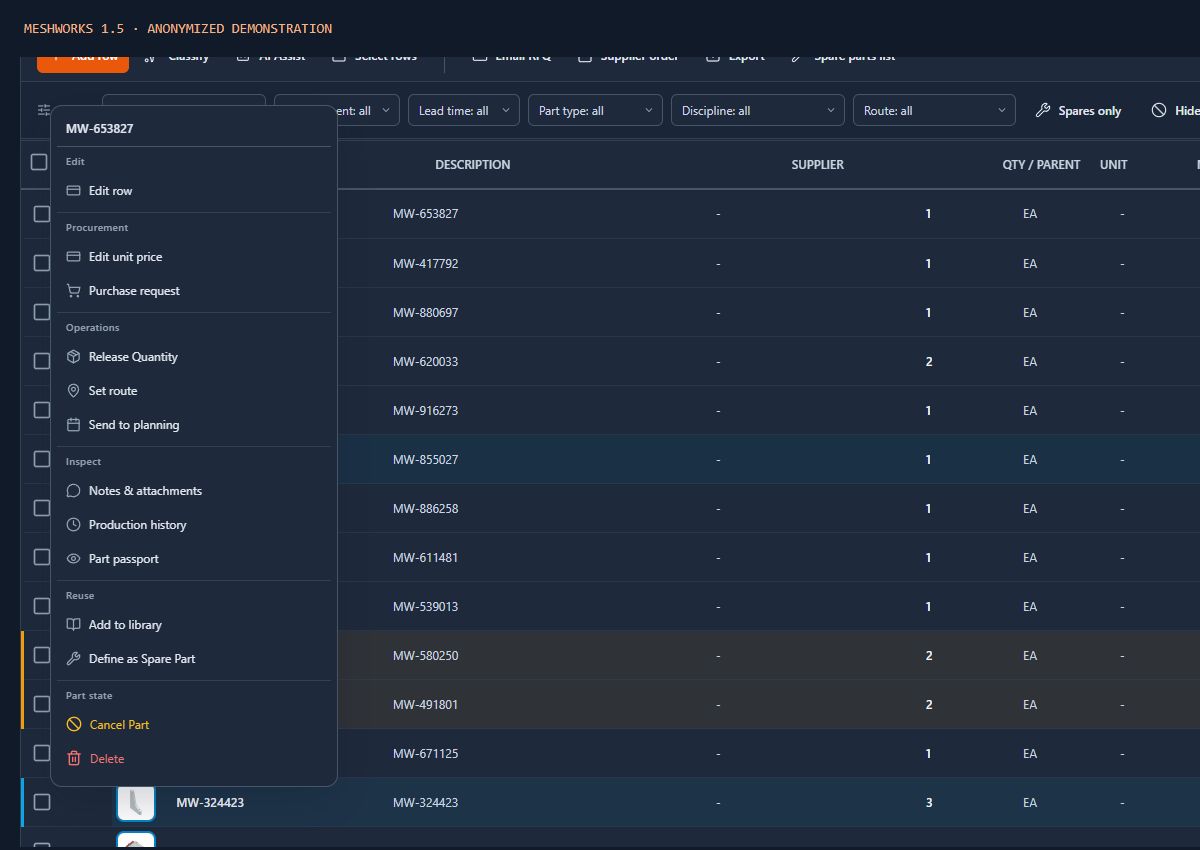
Open the intended imported iteration and inspect the changed quantity, project quantity and part identity. Confirm whether the change affects the same part or introduces a different component.
Keep the purchasing panel visible while inspecting BOM columns. Compare total required, ordered and remaining quantities, and check the recorded orders rather than treating the revised total as a new order quantity.
Use the project Dossier to find relevant commercial records. Review the supplier commitments and release state before deciding whether a new RFQ, an additional order or a supplier discussion is appropriate.
Prepare the applicable purchasing document after review. A BOM change does not automatically amend a supplier commitment; the buyer remains responsible for checking and recording the agreed action.
No automatic supplier amendment is implied. Review existing commitments and coordinate any required change through the purchasing process.
Existing orders may already cover some demand. Compare the current requirement with the recorded purchasing context to avoid treating the whole revised total as additional demand.
Check current release and order records, then discuss the applicable supplier commitment. A smaller engineering requirement does not itself cancel an order or guarantee that a supplier can reduce it.
Review your actual handover
Walk through the project BOM, release and purchasing steps with the MeshWorks team and check which parts fit your process.
Talk to the team